

Last month I sat in on a DEF CON Group 570 meeting where we watched a live stream of a talk out of DEF CON Group 610 on WiFi hacking, live demos and all. Good idea, I thought. Let's expand on it.
The ESP32-C6 is what makes that worth doing. It does WiFi 6 and native WPA3-SAE, which most ESP32 security projects skip because they run on older variants that can't. I built it into a pocket-sized device that runs off a USB power bank and costs around $13 in parts.
And with that, I bring you the ESP32-C6 WiFi Dojo.
Three modes, one button:
- Practice AP: A real WPA2 or WPA3 access point with configurable password strength. Capture handshakes, run hashcat, practice the full attack chain against a target you own.
- Beacon Flood: Hundreds of fake access points flooding every WiFi scanner in range. Clones nearby SSIDs if any are visible, falls back to Norse and Celtic mythology if you're somewhere quiet.
- Captive Portal: An open AP that serves a page to anyone who connects explaining what just happened to them.
Short press cycles modes. Long press in Practice AP mode cycles the security level: WPA2 with a wordlist-crackable password, WPA2 with a strong one, then WPA3-SAE. Four WS2812B LEDs show what's happening.
What You Need
| Qty | Part | Approx cost |
|---|---|---|
| 1 | Nano ESP32-C6 v1.0 | ~$10 |
| 1 | WS2812B strip, 4 LEDs | $1.50 |
| 1 | 6mm tactile button | $0.50 |
| 1 | 300 ohm resistor | <$0.10 |
| 1 | 100uF cap across LED 5V/GND | <$0.10 |
| 1 | 40x30mm perfboard | $0.50 |
| 1 | USB power bank | on hand |
The Nano ESP32-C6 v1.0 has two USB-C ports: the CH343 handles programming, the other is direct USB to the ESP32-C6 for native USB. Onboard 3.3V LDO, no external programmer needed. Plug it into a power bank and it runs.
Wiring
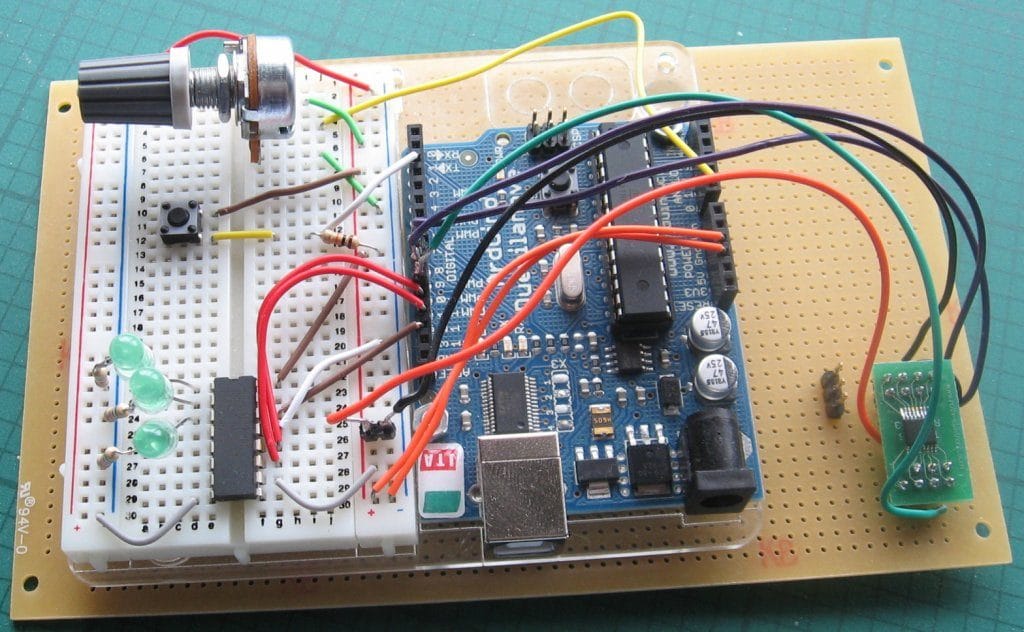
The Nano ESP32-C6 v1.0 exposes both 3.3V and 5V pins. The LED strip runs off the 5V pin; everything else comes from the board's onboard LDO at 3.3V. The GPIO data signal at 3.3V drives the WS2812B cleanly enough in practice. If you get flicker, a 74AHCT125 level shifter between the data pin and the strip will fix it. Put a 100uF cap across the LED strip's 5V and GND to absorb current spikes.
USB power bank
    │
    USB-C ── Nano ESP32-C6 v1.0
                │           │
               5V pin      3.3V pin (internal LDO)
                │
              100uF (to GND)
                │
            WS2812B VCC

ESP32 GPIO6 ── 300 ohm ── WS2812B DATA IN
ESP32 GPIO9 ── button ── GND   (internal pullup enabled in firmware)
GND ──────────────────────────── common GND
GPIO8 controls the ROM boot mode on the ESP32-C6. Leave it floating or tied to 3.3V. I connected something to it during testing. Don't do that.
GPIO9 doubles as the BOOT pin. It needs to be high during boot, which the internal pullup handles. After boot it works fine as a normal input.
Firmware
Full source is on GitHub at [repo link]. Five source files, each with a single job:
Structure
modes.hshared enums and extern declarationsbutton.cshort and long press detection via GPIO interruptleds.cWS2812B animations via ESP-IDF RMT driverbeacon.craw 802.11 frame injection and SSID pool managementcaptive_portal.cDNS server and HTTP server for portal modeapp_main.cinit, task creation, AP configuration and management
Modes
typedef enum {
    MODE_PRACTICE_AP,
    MODE_BEACON_FLOOD,
    MODE_CAPTIVE_PORTAL,
} device_mode_t;

typedef enum {
    AP_SEC_WPA2_WEAK,
    AP_SEC_WPA2_STRONG,
    AP_SEC_WPA3,
} ap_security_t;
current_mode and current_security are volatile globals shared across tasks. The AP manager task polls them at 100ms intervals and reconfigures WiFi when either changes.
Boot Sequence
On power-up the firmware initializes WiFi in APSTA mode, runs a blue LED sweep, and scans for nearby networks. Those scan results become the beacon flood SSID pool.
If it finds fewer than three networks, it loads a fallback list of about 60 Norse and Celtic figures instead: Odin, Fenrir, Surtr, Morrigan, Cernunnos, Dagda, and the rest. This is completely unnecessary and I stand by it.
Button
The ISR fires on both edges. Falling edge records the press time, rising edge computes the duration and sends a short or long press event to a FreeRTOS queue. Anything under DEBOUNCE_MS is ignored. Anything over LONG_PRESS_MS (500ms) is a long press.
static void IRAM_ATTR button_isr(void *arg) {
    uint32_t now = (uint32_t)(esp_timer_get_time() / 1000);
    if (gpio_get_level(BUTTON) == 0) {
        press_start_ms = now;
    } else {
        uint32_t duration = now - press_start_ms;
        if (duration < DEBOUNCE_MS) return;
        btn_event_t evt = (duration >= LONG_PRESS_MS) ? BTN_LONG : BTN_SHORT;
        xQueueSendFromISR(btn_queue, &evt, NULL);
    }
}
Short press cycles modes. Long press in Practice AP mode cycles the security level and flashes blue once, twice, or three times to confirm.
Beacon Flood
The beacon flood sends raw 802.11 beacon frames using esp_wifi_80211_tx(). Each frame gets a freshly randomized BSSID:
static void random_bssid(uint8_t *mac) {
    esp_fill_random(mac, 6);
    mac[0] = (mac[0] & 0xfe) | 0x02;  // locally administered, unicast
}
Setting the locally-administered bit marks the address as not from a real manufacturer. Most scanners show it anyway.
The task runs at 1ms per frame. Because the BSSID randomizes on every frame, each pass through the SSID pool produces a fresh set of phantom APs. A scanner watching during a flood sees the pool SSIDs multiplied across hundreds of unique-looking BSSIDs.
The AP stays running during beacon flood mode. esp_wifi_80211_tx() works alongside the soft-AP interface, so you can flood beacons and still have a real connectable AP active at the same time.
WPA3
WPA3-SAE requires Protected Management Frames. Forget pmf_cfg.required = true and the AP silently falls back to WPA2. Set it explicitly:
case AP_SEC_WPA3:
    strncpy((char *)ap_cfg.ap.password, PASS_STRONG, 64);
    ap_cfg.ap.authmode         = WIFI_AUTH_WPA3_PSK;
    ap_cfg.ap.pmf_cfg.required = true;
    break;
Connect to the WPA3 AP with aircrack-ng or hcxdumptool and observe what happens. Current tooling has limited SAE capture support. The handshake mechanism is fundamentally different from WPA2 and offline dictionary attacks don't work the same way. That's the point.
Captive Portal
The captive portal runs a minimal UDP DNS server on port 53 that answers every query with 192.168.4.1, and an HTTP server that serves the portal page and redirects everything else.
Building the DNS response in place on the receive buffer is a bit ugly but it works: copy the query, flip the response bits, append an A record pointing at 192.168.4.1. Combined with the HTTP redirect, this triggers the sign-in popup on iOS, Android, and Windows without any OS-specific handling.
Anyone who connects sees a page explaining what just happened: you connected to a controlled hacking target, your WPA2 4-way handshake was captured on connect, this is what captive portal interception looks like, no data is logged or stored.
LEDs
| State | Color | Pattern |
|---|---|---|
| Boot scan | Blue | Sweep back and forth |
| Practice AP, no client | Green | Dim steady |
| Practice AP, client connected | Green | Slow breathe |
| Beacon flood | Orange/red | Fire chase |
| Captive portal | Magenta | Slow pulse |
| Mode transition | White | 3 flashes |
| Security level change | Blue | 1, 2, or 3 flashes |
The fire chase uses a hardcoded brightness falloff: full orange at the head, stepping down to dim red at the tail. It looks intentional.
Using It
Practice AP Mode
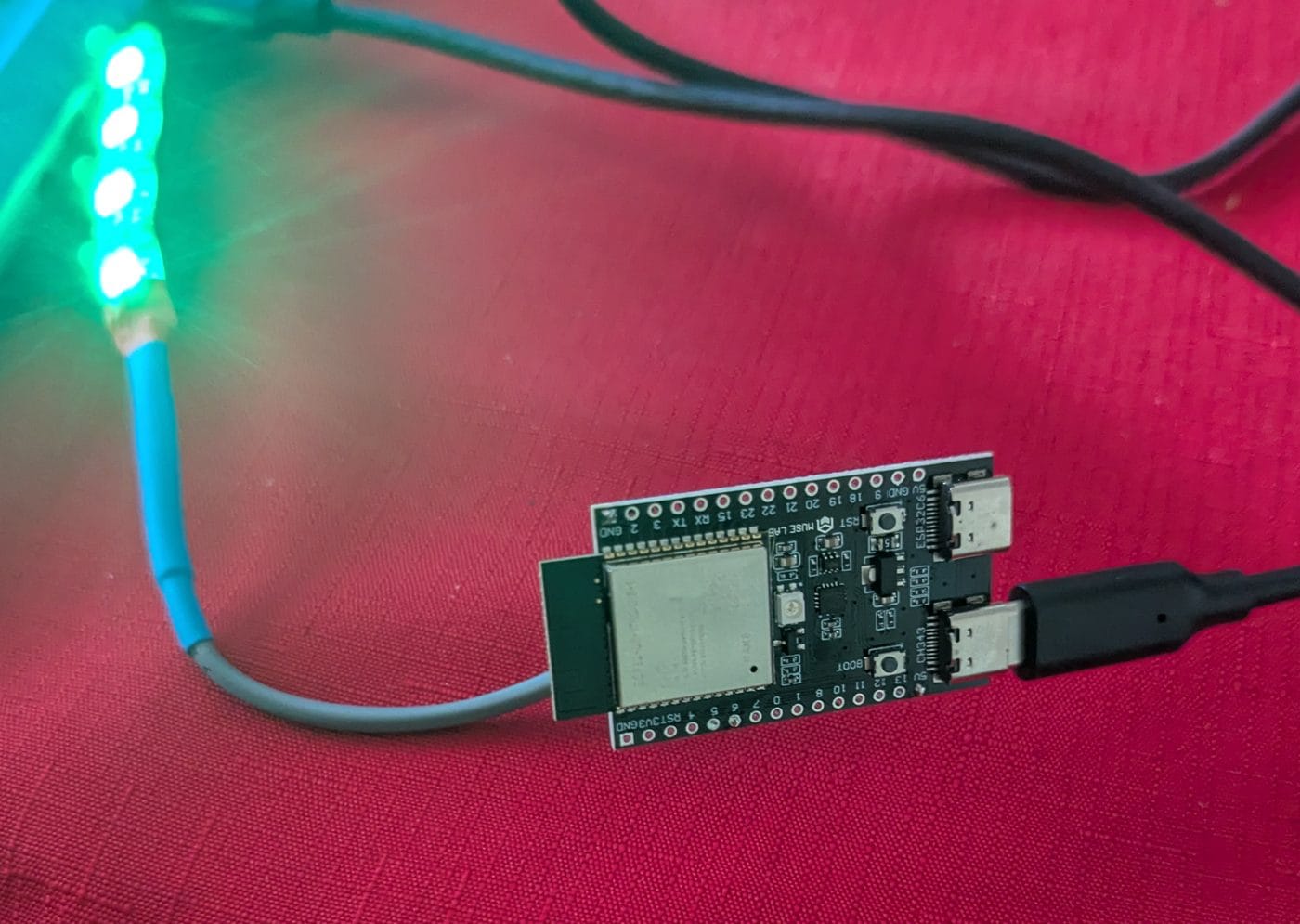
Power on, wait for the blue boot sweep. The device starts in Practice AP mode with WPA2 weak. SSID is RANGE_TARGET, password is password123.
From another device, use airodump-ng to capture the 4-way handshake and crack it with hashcat or aircrack-ng. Long press to step up to WPA2 strong and repeat. Long press again for WPA3 and watch your toolchain.
Beacon Flood
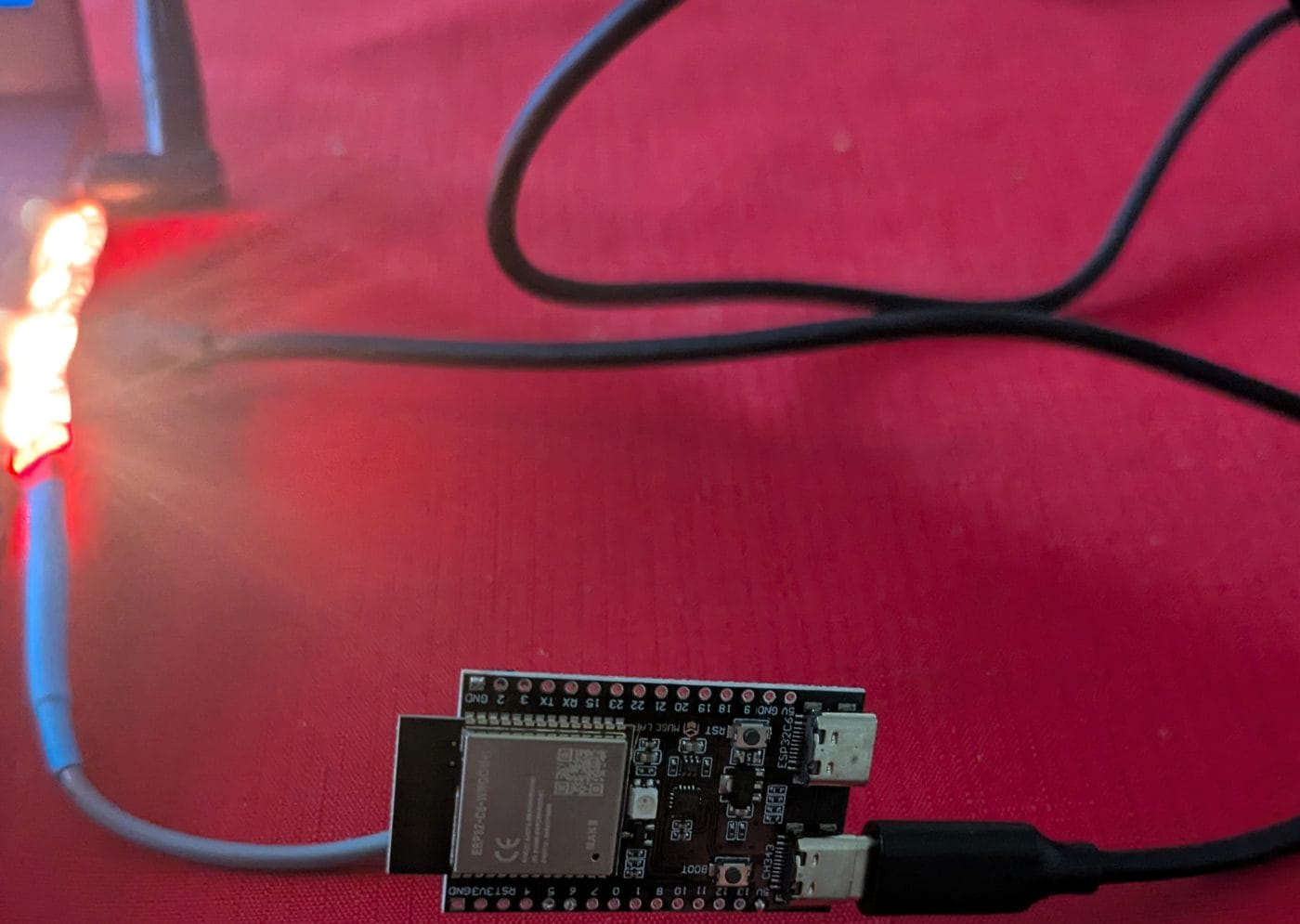
Short press once; the fire chase starts. Open any WiFi scanner. With real nearby networks visible you'll see clones of every local SSID across dozens of phantom BSSIDs. Somewhere quiet, you get Odin and friends.
Captive Portal
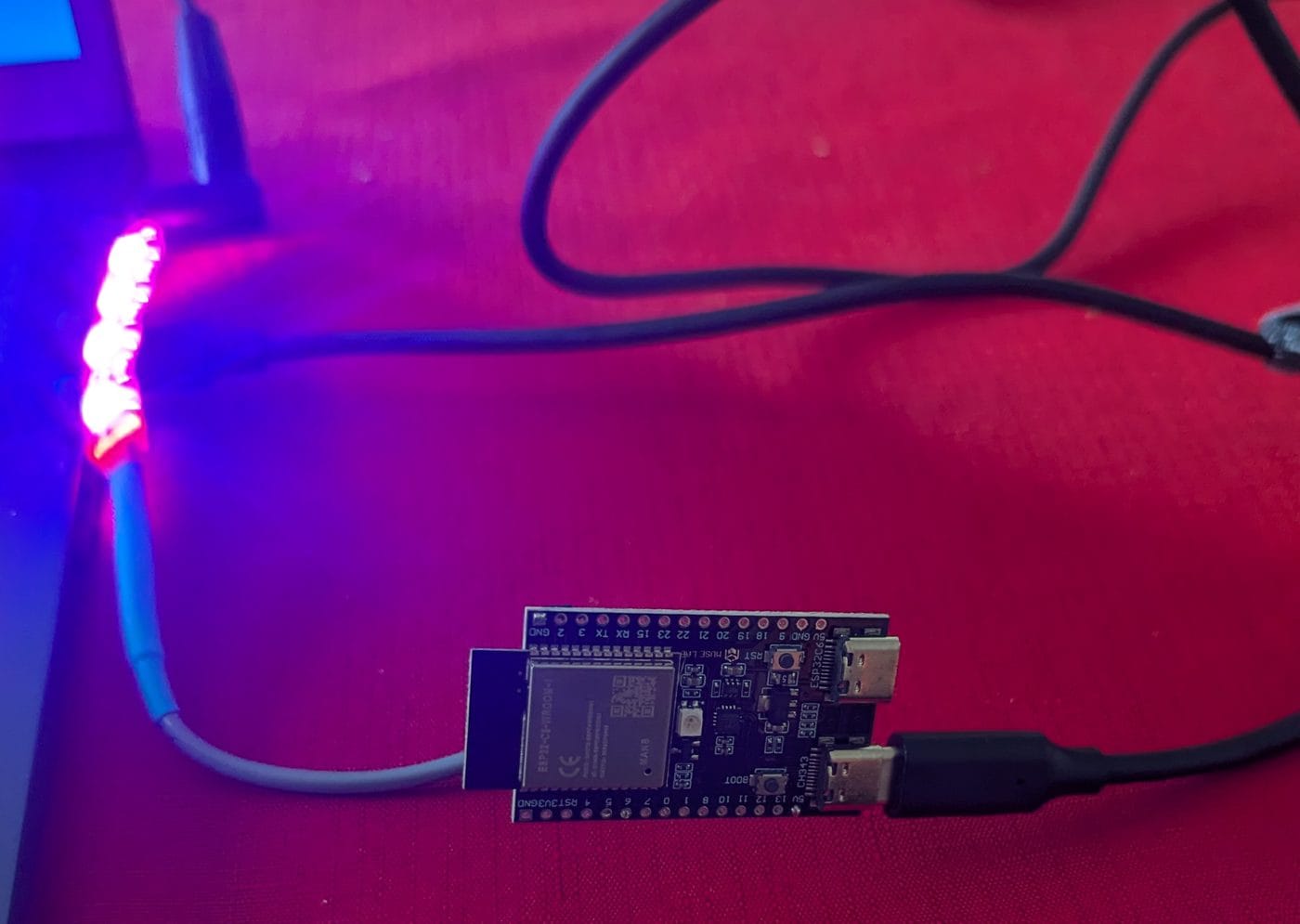
Short press twice from Practice AP mode. FREE_WIFI appears as an open network. Connect from a phone and the OS popup opens the portal page.
A Few Notes
The beacon flood creates real interference on channel 6. Keep it on the bench or in a Faraday bag anywhere you'd disrupt real networks. Channel is hardcoded to 6 in
send_beacon() and is one line to change.If
esp_wifi_80211_tx() returns ESP_ERR_NOT_SUPPORTED, check that CONFIG_ESP_WIFI_ENABLE_WIFI_TX_BUFFER is enabled in menuconfig. The C6 radio architecture is different from the original ESP32 and this option isn't always on by default.It's for attacking devices you own in spaces you control. Taking it somewhere public and running the beacon flood disrupts real networks for everyone in range. Don't do that.