
POCSAG is still alive. Fire departments, EMS, and utilities across the country still page their people over it, 1200 or 2400 baud FSK on VHF frequencies, completely in the clear, receivable by anyone with a $25 RTL-SDR dongle. I first wrote about decoding it back in 2019. Since then the SDR tooling has gotten better, a $15 ESP32 display module has become a thing, and I finally got around to building something worth writing about.
This is a live POCSAG pager decoder that pulls transmissions off the air, publishes them over MQTT, and displays them on a small touchscreen in a retro green-on-black phosphor UI. Two pieces: a Pi4 running the SDR decoder in Docker, and an ESP32 with a 2.4" display that subscribes and renders. Full source is on GitHub.
The Hardware
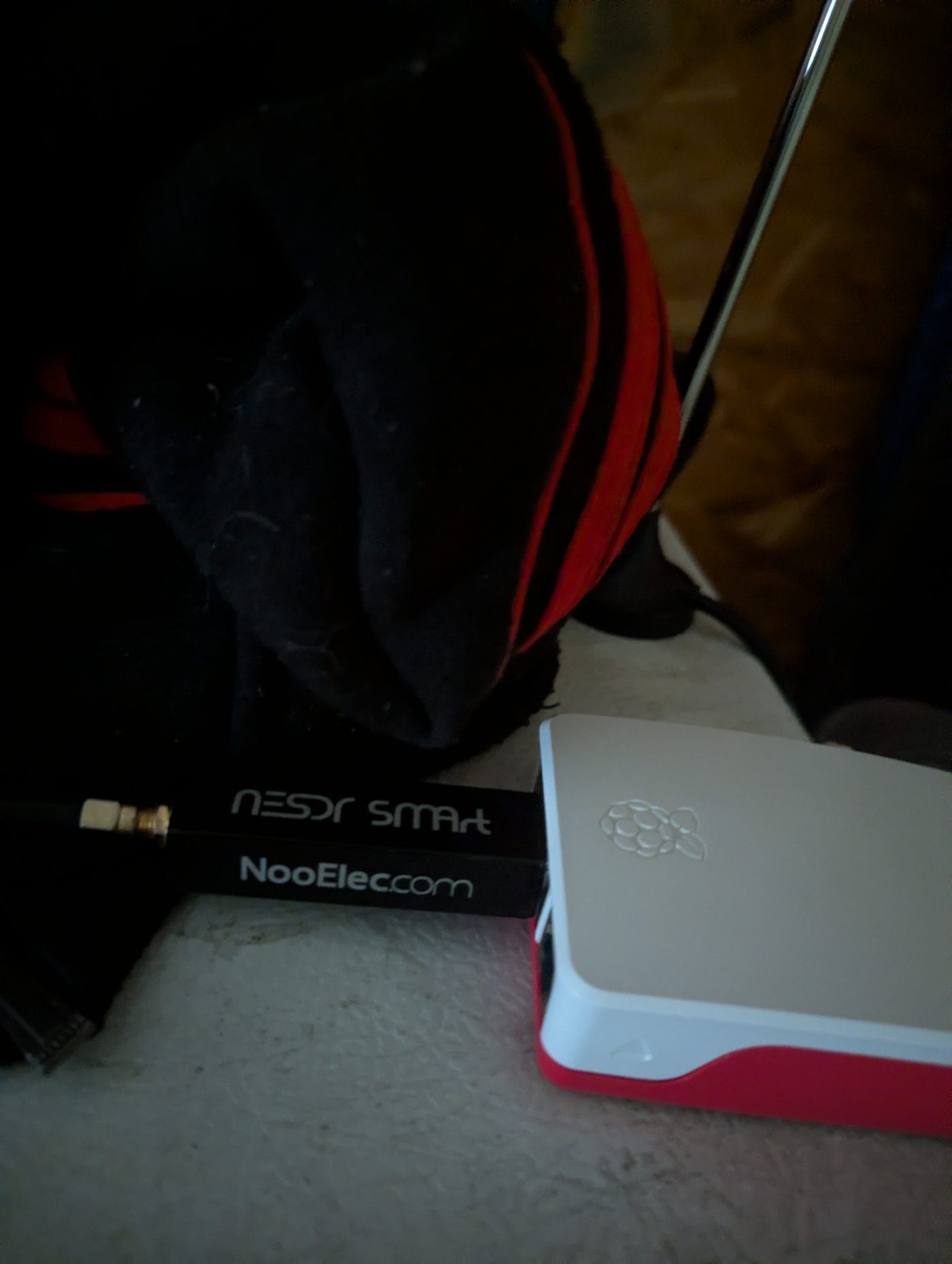
The server side is a Raspberry Pi 4 with an RTL-SDR USB dongle. The SDR is a generic RTL2832U-based receiver, any of them work. It runs rtl_fm piped into multimon-ng, which handles the actual POCSAG decoding, inside a Docker container. A small Python publisher reads multimon-ng's output and sends decoded pages to an MQTT broker as JSON.
The display is an AITRIP ESP32-2432S024R, sold on Amazon as the '2.4 inch Cheap Yellow Display' or CYD. It's an ESP32 with a 240x320 ST7789 touchscreen built in, all in one package. Around $15. The firmware is PlatformIO/Arduino.
There are multiple ESP32 CYD variants and they are not pin-compatible. The 2.4" version (ESP32-2432S024R, sometimes called the Guition variant) uses an
ST7789 display driver on GPIO 27 backlight, not ILI9341 on GPIO 21 like the more common 2.8" version. Wrong driver or wrong backlight pin = completely blank display. If you buy the 2.4" version specifically, use the platformio.ini from this repo.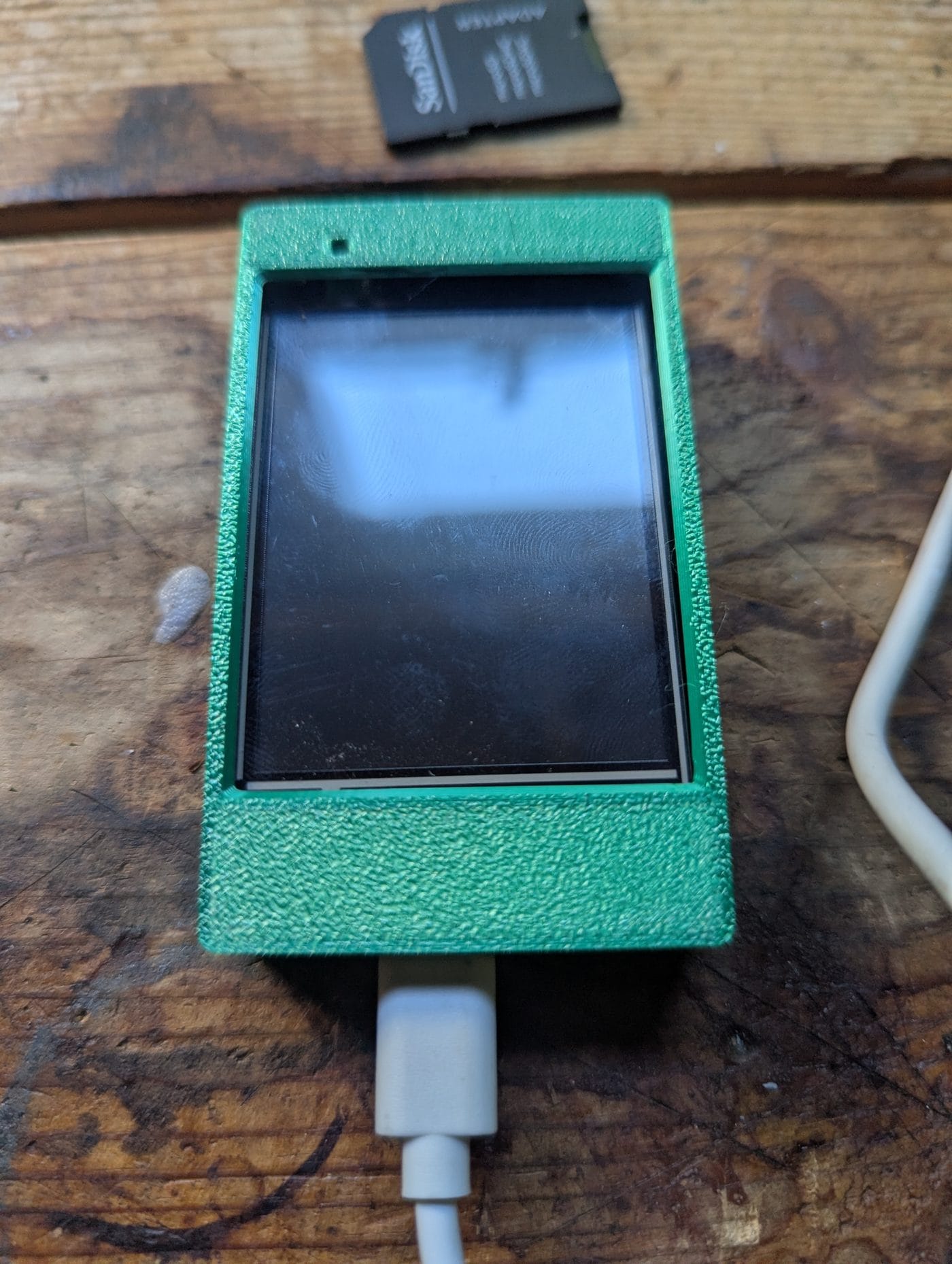
How It Works
The Pi runs rtl_fm tuned to a paging frequency, piped into multimon-ng with POCSAG decoding enabled. multimon-ng spits decoded pages to stdout with capcode, message type, and content. The Python publisher parses that output and publishes a JSON payload to MQTT for each page received.
# What the Docker container runs, roughly:
rtl_fm -f 157.45M -s 22050 -g 0 | \
  multimon-ng -t raw -a POCSAG1200 -a POCSAG2400 -f alpha -
The publisher cycles through multiple frequencies with a configurable dwell time, so it covers all the active paging channels in the area. Frequencies and dwell time are in a config.yaml so no code changes are needed to add or swap frequencies.
The MQTT payload looks like this:
{
  "ts": 1749854400,
  "freq_mhz": 157.45,
  "baud": 1200,
  "type": "alpha",
  "capcode": "1234567",
  "msg": "LUZERNE CO: STRUCTURE FIRE 123 MAIN ST WILKES-BARRE"
}
The ESP32 firmware subscribes to the MQTT topic, parses the JSON, pushes pages into a ring buffer, and redraws the display. The UI has a header with the current time and last-seen frequency, a scrollable page list where the newest entry highlights in amber, and a status bar showing WiFi and MQTT state. Touch to scroll, tap the top half to go up, bottom half to go down. It's the same MQTT-to-ESP32 pattern I used for my scrolling Meshtastic LED panel, just a different payload and a different screen.
On boot it shows a logo screen until the first page arrives, then switches to the page list and stays there.
The Display Config That Took Forever to Find
The 2.4" CYD's display configuration is not well documented and the common pinout guides are wrong for this variant. For anyone who needs it:
| Setting | Value |
|---|---|
| Display driver | ST7789 (not ILI9341) |
| Color order | BGR, use TFT_RGB_ORDER=1 and TFT_INVERSION_OFF=1 |
| Backlight pin | GPIO 27 (HIGH = on) |
| TFT SPI bus | HSPI, pins 12/13/14/15, requires USE_HSPI_PORT=1 |
| Touch SPI bus | VSPI, pins 25/32/39/33, separate from TFT |
| Rotation | setRotation(0), portrait, no MADCTL override needed |
The TFT SPI pins (12/13/14/15) are native HSPI on the ESP32. Without
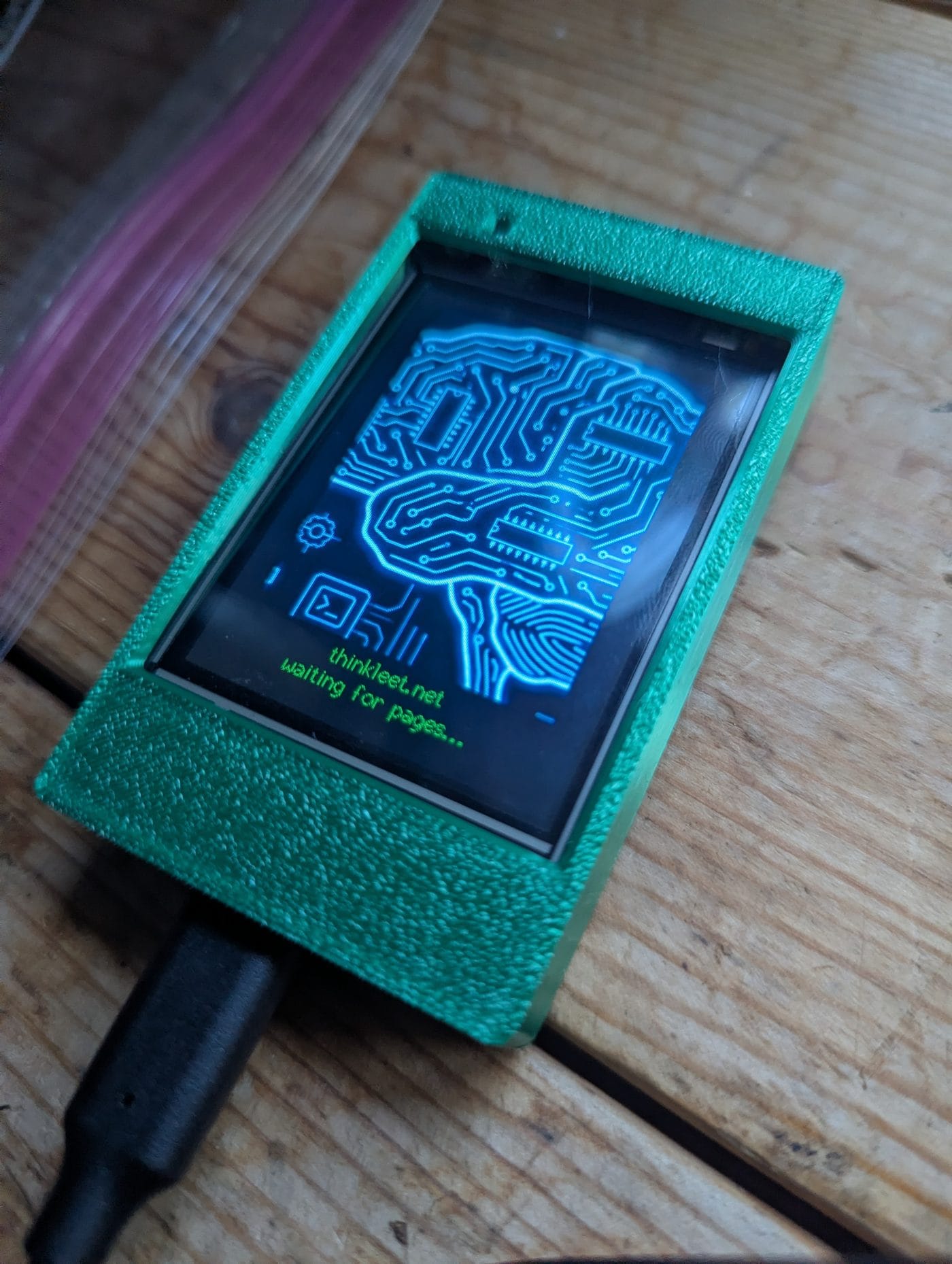
USE_HSPI_PORT=1, TFT_eSPI remaps TFT onto VSPI via the GPIO matrix, which conflicts with the touch controller, also on VSPI (25/32/39/33). Add the flag and they coexist cleanly.Get all of that right and the panel finally comes up. Here it is running the firmware with a boot logo on screen (I wanted a way to confirm the screen was working), waiting for its first page:
The working platformio.ini build_flags are in the repo. I'm not going to paste all of them here because that's what the repo is for.
One Heap Issue Worth Knowing About
TFT_eSPI has a sprite class that lets you draw offscreen and then push the whole frame at once, which avoids flicker. I tried using it for the page list, createSprite(240, 254). That's 120KB of contiguous RAM. Under WiFi heap pressure on the ESP32, the allocation silently fails and the sprite never draws anything.
The fix is to not use a sprite. Draw directly to the TFT with fillRect to clear the area, then draw text over it. There's a little flicker on scroll but it's imperceptible in practice, and it doesn't randomly stop working when WiFi decides to fragment the heap.
Server Setup
Requirements
The Pi needs Docker and Docker Compose, and an RTL-SDR dongle plugged in. No privileged container here, it uses /dev/bus/usb passthrough with a udev rule for the RTL-SDR instead. It could run alongside everything else in my containerized homelab, if I had more USB ports (Note to self, get another powered hub).
# udev rule for RTL-SDR (create /etc/udev/rules.d/rtl-sdr.rules)
SUBSYSTEM=="usb", ATTRS{idVendor}=="0bda", ATTRS{idProduct}=="2838", GROUP="plugdev", MODE="0664"
Config
Clone the repo, copy .env.example to .env, fill in your MQTT broker credentials. Edit config.yaml with your local paging frequencies, RadioReference has them by county. Then:
docker compose up -d
docker logs -f pocsag-publisher
Logs show each frequency hop and any decoded pages. The container restarts automatically on crash or reboot.
Frequencies for Luzerne County PA
If you're in Luzerne County, these are the active ones pulled from RadioReference:
| Frequency (MHz) | Use |
|---|---|
| 157.4500 | LCFA Page, Fire & EMS Paging (primary) |
| 155.9400 | Wilkes-Barre Fire Dispatch |
| 155.3250 | Nescopeck, Dispatch for Luzerne County |
| 159.4650 | LCFA Primary, Luzerne County Fire & Ambulance |
| 154.3550 | Back Mountain Mutual Aid |
| 154.4150 | Mountain Top Mutual Aid |
Firmware Setup
The firmware is PlatformIO. Clone the repo, copy firmware/src/secrets.h.example to secrets.h, fill in your WiFi SSIDs and MQTT credentials, and flash. It supports multiple SSIDs via WiFiMulti which is useful if the device moves between locations.
#define WIFI_NETWORKS(multi) \
    multi.addAP("YourNetwork", "yourpassword"); \
    multi.addAP("BackupNetwork", "backuppassword");
#define MQTT_BROKER  "your.mqtt.broker"
#define MQTT_PORT    1883
#define MQTT_USER    "user"
#define MQTT_PASS    "pass"
Flash with pio run -e cyd -t upload. The display will show the boot logo, connect to WiFi and MQTT, and wait. The first MQTT message clears the logo and brings up the page list.
What's Next
The system is running. I've caught no live decodes yet because pager traffic is intermittent, this isn't a busy dispatch frequency, it's an alert channel. When something comes in, it'll show up. The server logs will tell me before the display does.
A few things I'd add if I were doing a v2: capcode filtering so you can track specific departments, a local web UI to browse page history, and a case designed for wall mounting. None of those are blocking anything right now.
Source is at github.com/zero7608/pocsagCYD. Firmware and server in the same repo.
Source: github.com/zero7608/pocsagCYD